01
Find your inspiration.
A favorite photo. A fresh doodle. With Pro, even a video or GIF. There's more than one way to start.
Meet Stickio.
Everything you love. Now a little more you.
Turn photos, drawings, and everyday moments into stickers.
Free to start. No ads. Made for Android.
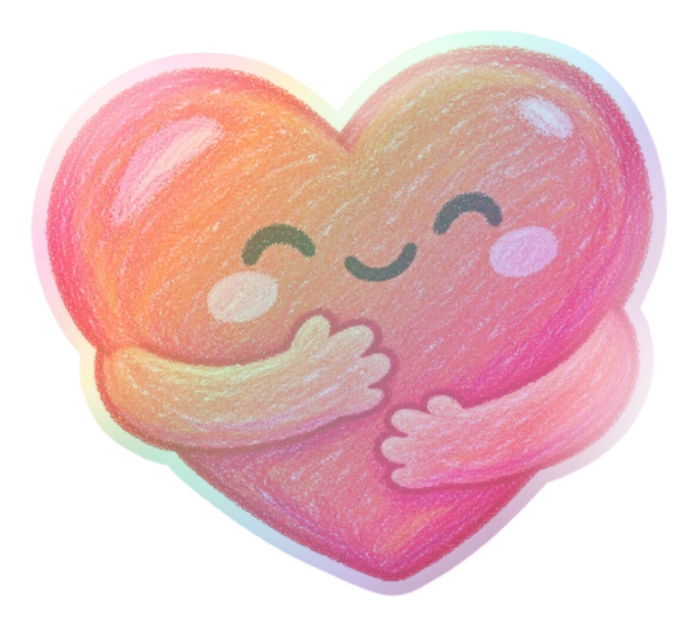

A whole world of self-expression.
From the first cutout to the final flourish, Stickio brings your ideas together in one beautifully playful space. Make something only you could make.
Designed for your imagination.
Photo stickers
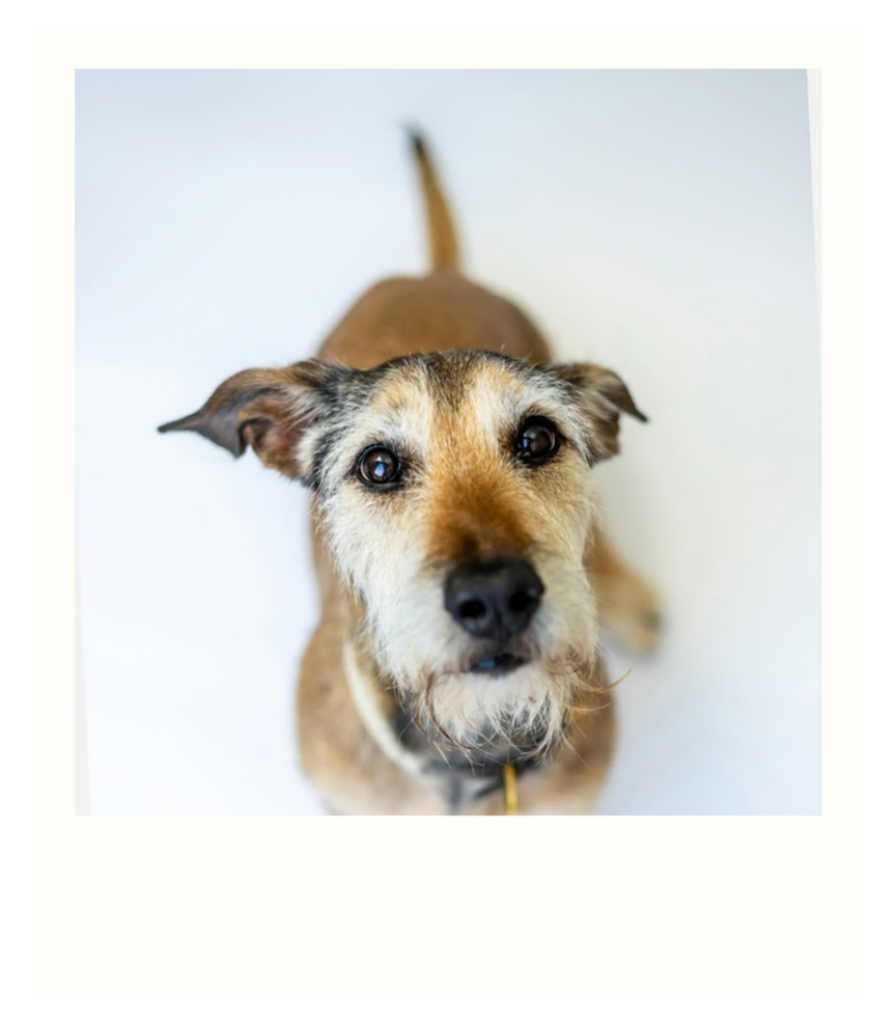
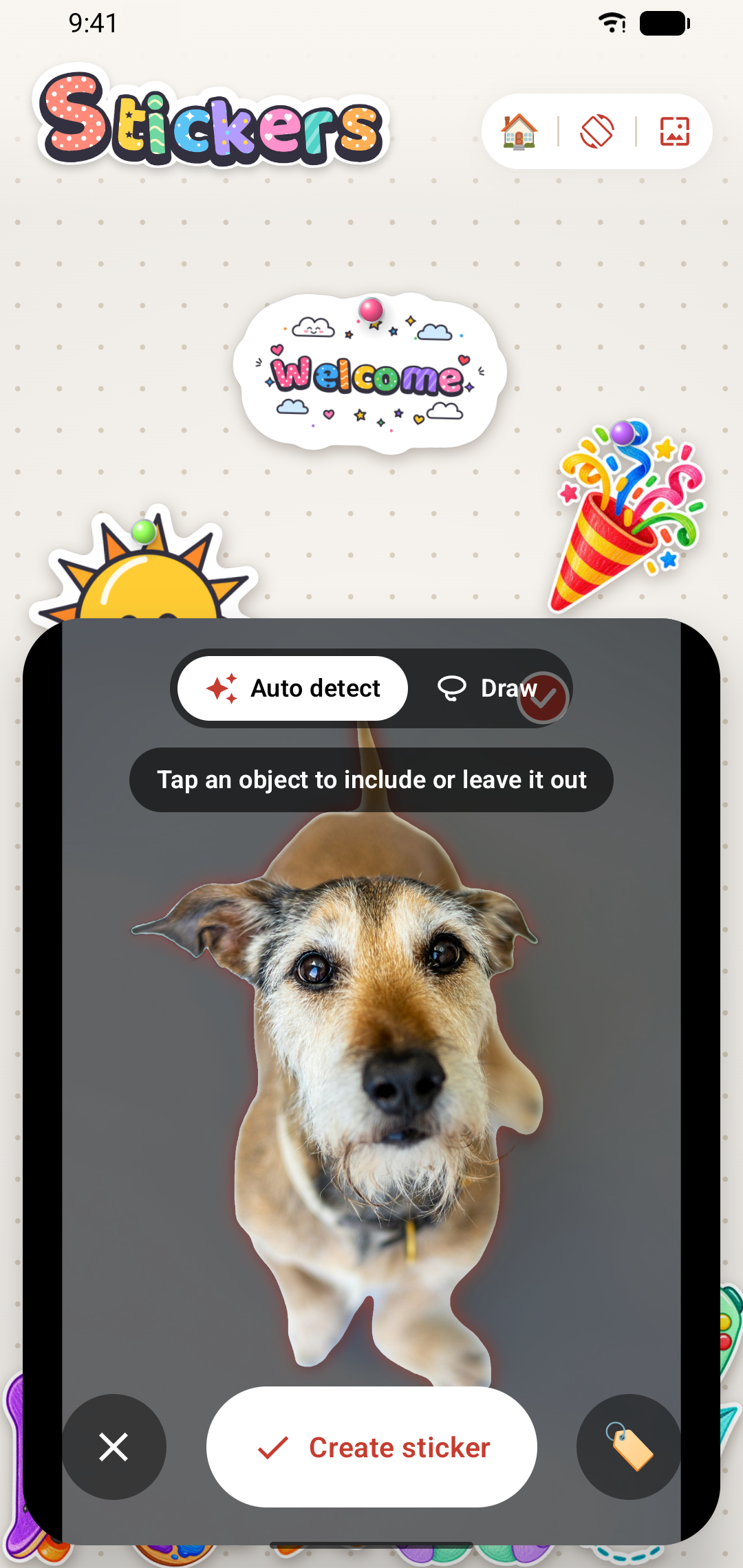
Snap a photo or choose a favorite. Automatic subject detection takes care of the background. You take care of the personality.
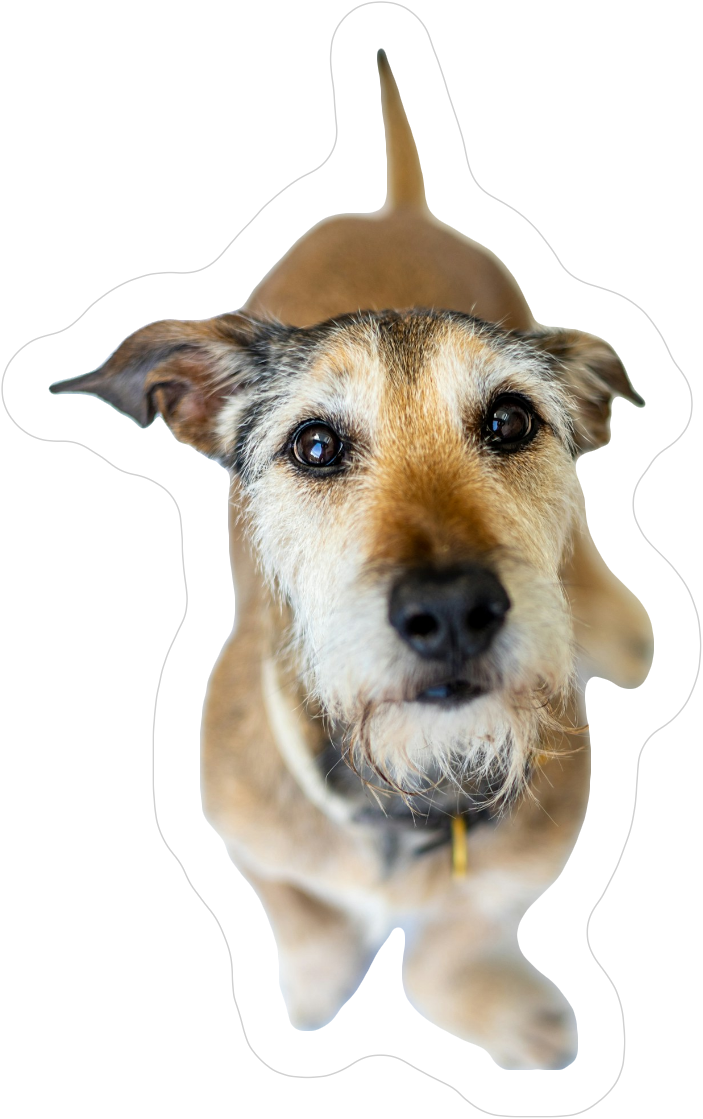 A photo. A cutout. All you.
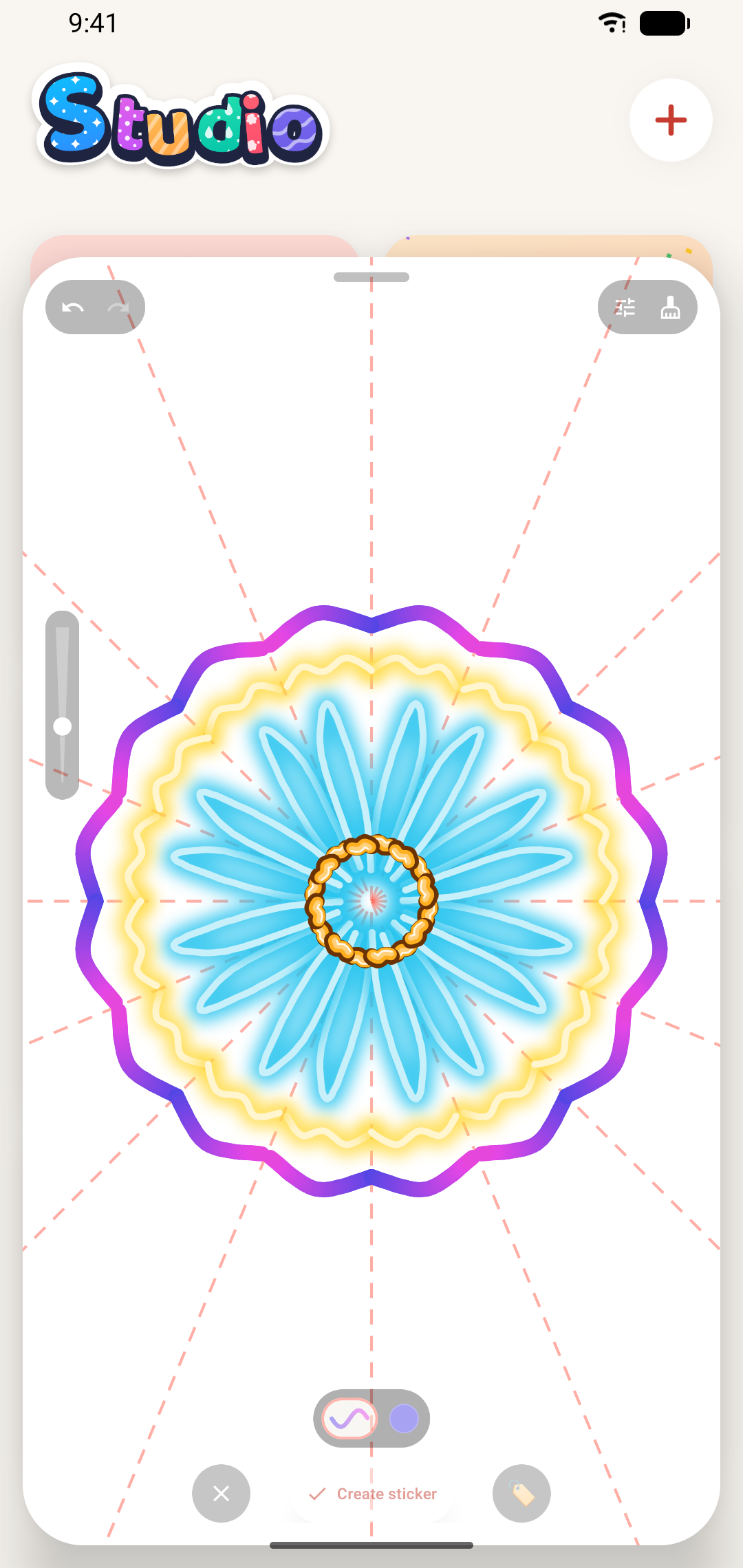
Studio. With Stickio Pro.
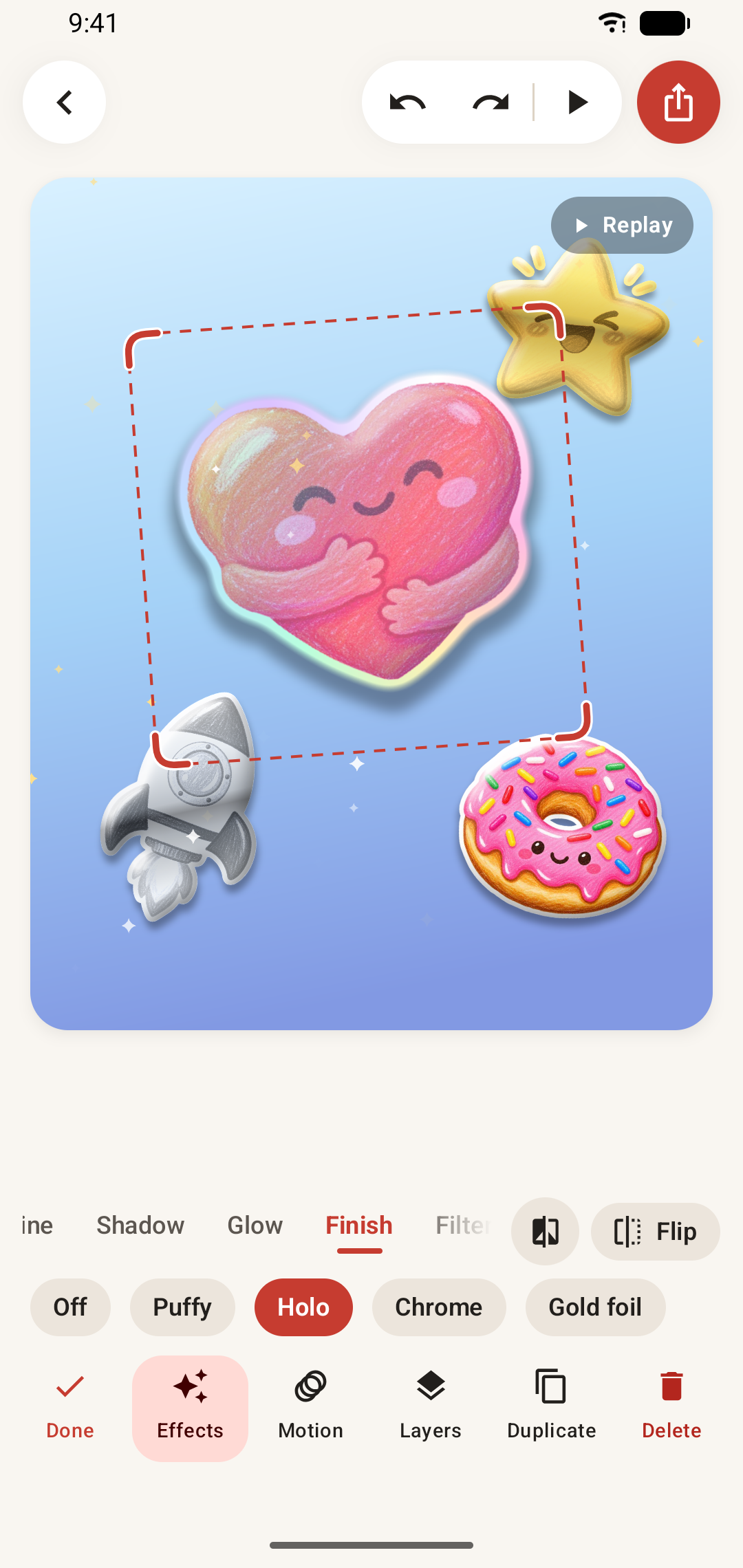
Go puffy. Go holo. Go all out.
Extraordinary finishes for your everyday ideas.
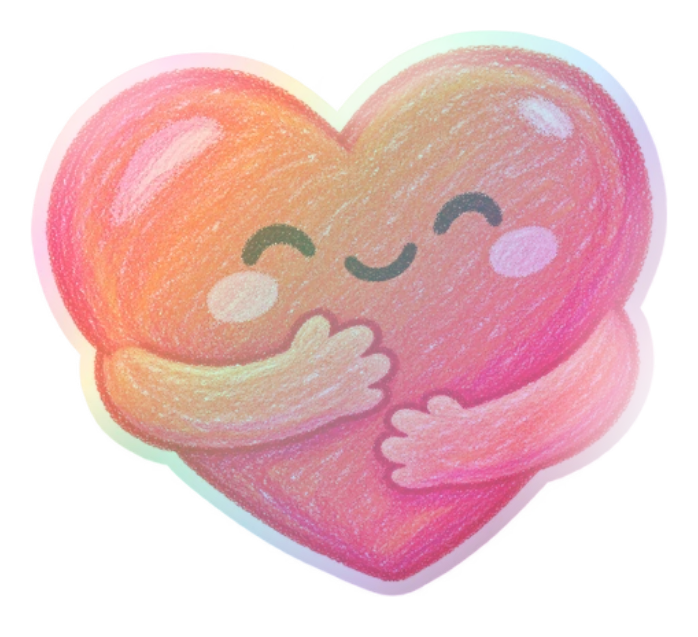
Holo. A little color from every angle.
Real Stickio artwork. Preview Pro looks on the canvas; saving them requires Pro.
Make every layer your own. Add glow, borders, filters, frames, and expressive text. Animate with loops and motion paths. Bring scenes together with transitions and overlays.
Discover Stickio ProFrom idea to “I made this.”
Start with something you love.
Make it something that's yours.
A favorite photo. A fresh doodle. With Pro, even a video or GIF. There's more than one way to start.
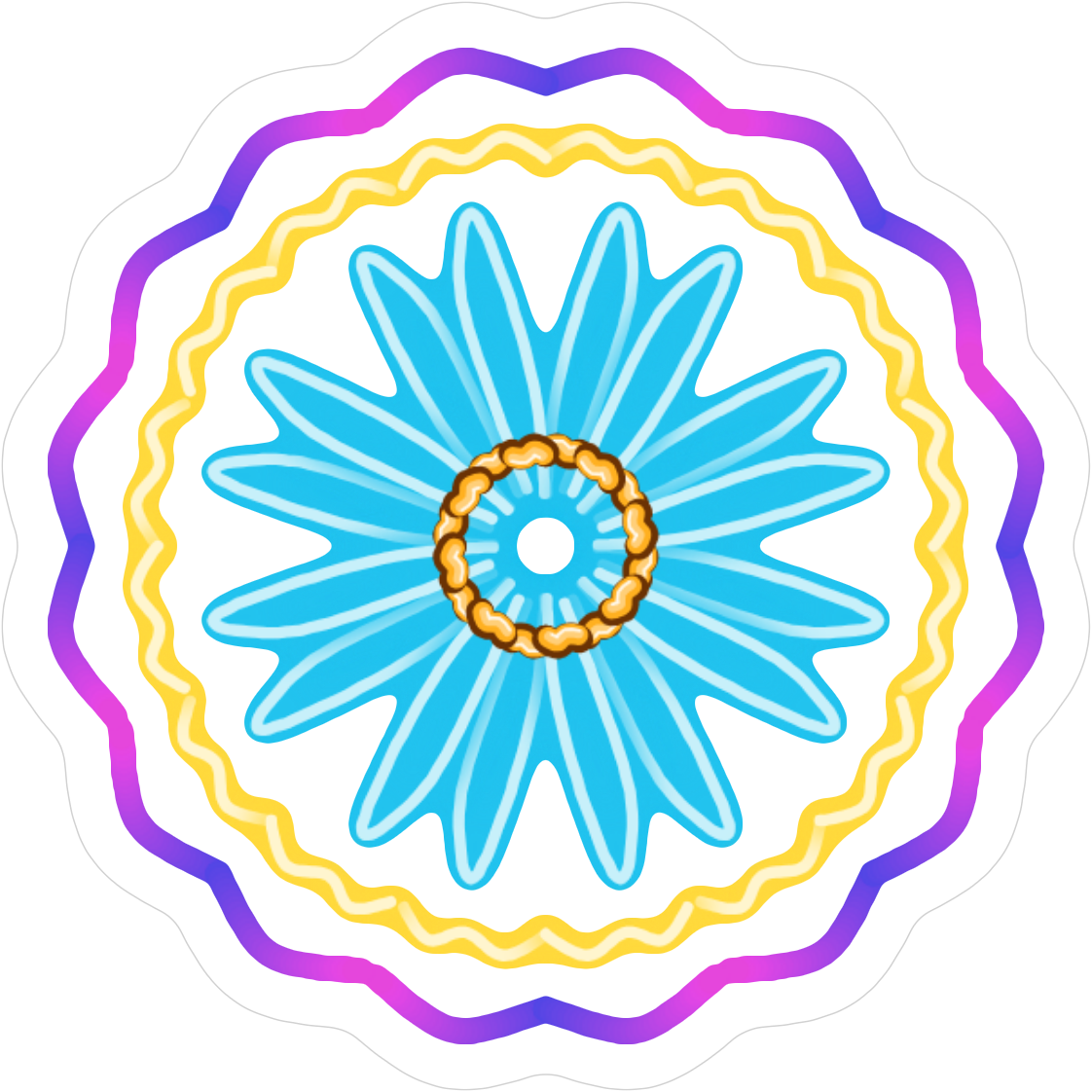
Cut it out. Draw it your way. Add text, layers, and a finishing touch in Studio.
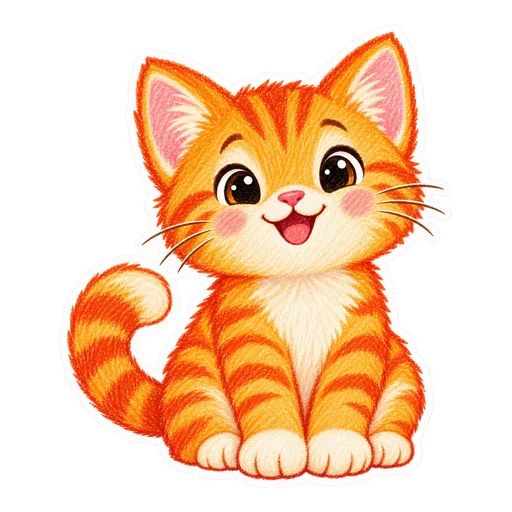 Delivered
Send a sticker. Share a pack. Or keep a whole collection of your favorite creations, just for you.
Thoughtful in every detail.
Wallpapers
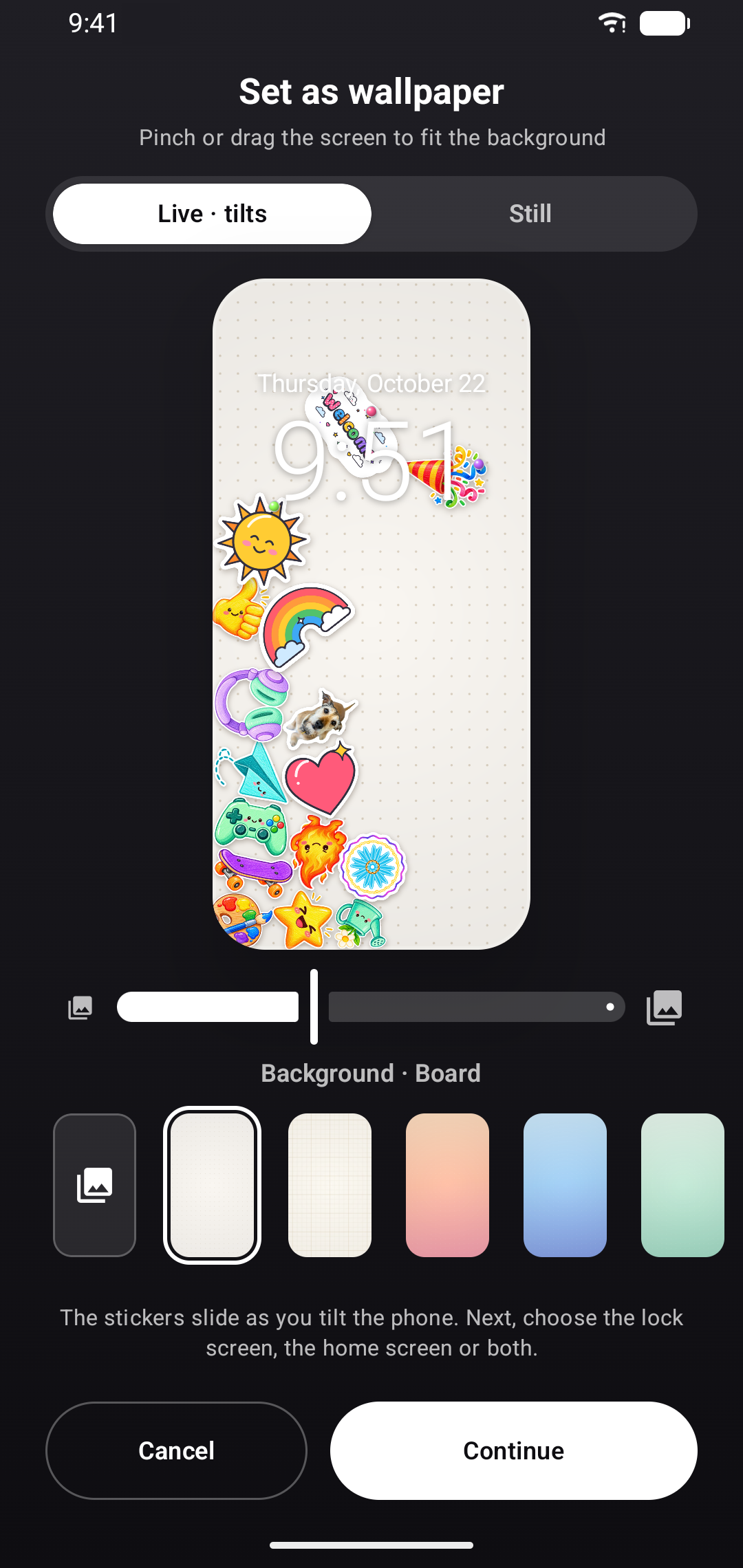
Free backgrounds. Your own photos. A screen that's entirely yours. With Pro, your board or Studio creation becomes a live wallpaper.
Your collection
Organize stickers with tags. Add them to one board or several. Studio drafts save automatically, so every idea has a place to grow.
Google Drive sync · Pro
Keep stickers, original images, moving stickers, and Studio projects in sync while the app is open. All in your private Google Drive app folder.
Drawing drafts, packs, and board layouts stay on your device.Find your creative side.
Room to explore for free. More to discover when you're ready.
For everyday ideas and happy little experiments.
For the “what if I tried this?” kind of creator.
Studio includes glow; double, rainbow, holo, scribble and cut-line borders; 8 filters; glitch, pixelate, reflection and echo effects; 6 premium frames; curved text and premium text styles; 3 letter animations; 10 loop animations; 7 entrance and exit styles with quick and slow speeds; 4 more one-tap scene choreographies (Spotlight, Grand finale, Sticker rain and Sweep); drawn motion paths; 14 scene transitions; 10 overlays; and moving backgrounds. In Drawing, Pro adds a ruler that snaps to 15° angles, gradient fill, a reference photo to trace over, advanced top–bottom, 4-way, radial and kaleidoscope symmetry, 30 downloadable Google Fonts with Vietnamese support, and Label and Shadow text effects. Try Pro looks on the canvas before buying; saving those looks needs Pro.
Private by design.
No Stickio account. No ads. No servers holding your art.
Cutouts, drawings, boards, and Studio projects are processed and stored on your phone. Photos come only from the picker or camera, when you choose them.
Exports go where you send them: your gallery, a chat app, or a sticker pack for WhatsApp or Telegram.
Optional Pro sync uses a private Stickio folder in your own Google Drive. Stickio can't see your other files. Disconnect at any time in Settings.
Stickio has no advertising SDK and doesn't collect the advertising ID. Usage analytics and crash reports from Firebase help us improve the app, never your photos or artwork.
A few more things.
Yes. Create photo stickers, draw, play on your board, make collages, and export still images for free. Stickio has no ads. Pro unlocks more creative tools, moving stickers, live wallpapers, and higher-quality video exports.
Yes. Create a pack and add it to WhatsApp or Telegram. Packs need 3–30 stickers, within your plan's limits. Animated WebP packs work with WhatsApp; Telegram does not accept animated WebP through this export. You can also copy individual stickers into compatible chat apps.
Tilt, shake, or flick your phone to watch stickers slide and bump into each other. Pin one and let it swing. Choose normal, bouncy, zero-gravity, or magnet mode. Long-press a sticker to copy, pin, edit, delete, or assign it to boards. Adjust gravity, tilt sensing, and haptics in Settings.
Stickers made with Pro tools still display correctly. New Pro content needs an active plan. Without Pro, only your first 3 Studio projects can be edited, including starter samples; additional projects can still be previewed or deleted.
Pro syncs stickers and Studio projects while the app is open. Drafts, packs, and board layouts are not synced. Deleting a synced sticker or Studio project removes it across devices. If two devices change the same project at once, both versions are kept.
There is no Stickio account to delete. Delete creations in the app, or clear Stickio's storage in Android Settings or uninstall it. If you used Google Drive sync, disconnect in Settings, then open Google Drive Settings → Manage apps → Stickio → Delete hidden app data. Files you exported or shared must be deleted where they were saved. For anything else, contact us; details are in the privacy policy.
Subscriptions are managed by Google Play: open Google Play → Payments & subscriptions → Subscriptions → Stickio. Uninstalling the app does not cancel a subscription. A one-time Pro purchase stays with your Google account.
Stickio is available for Android 11 and later, in 35 languages, from English, Spanish, Portuguese and Hindi to Arabic, Indonesian, Japanese and Vietnamese. It follows your phone's language, or pick one in Settings. Light and dark themes let you choose what feels right.
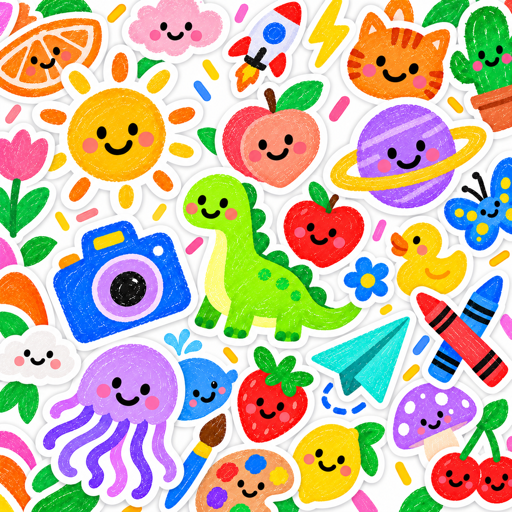
Your imagination is ready. So is Stickio.
Get it on Google Play Free to start. No ads. Android 11 or later.